Questions
What is open, and to whom?
Everything. The Viewer, the Scanner, Tonight, the Whole Market page, Trend & Channel, the TA Scanner, the earnings board and the War Rooms are open to everyone — all series for every ETF, stock and futures contract, with no account. The series explorer on this page draws every series for SPY, and the sample file can be downloaded here.
What are the War Rooms?
Three pages open to everyone, each showing a whole group of stocks at once: the Nasdaq-100, the Dow 30 and forty AI stocks. A heat map, the day’s movers, breadth, which stocks stopped moving together and the option readings added up — on delayed quotes while the market is open, rebuilt from the close every night.
What are the Scanner, Tonight and Whole Market pages?
Three pages built each night from the same series. The Scanner puts every ticker on one row so you can find which one to open; Tonight lists only what changed since the session before; Whole Market adds all the tickers up, sector by sector. All three are open to everyone, for ETFs, stocks and futures.
Which time frames are there?
Daily and weekly. Every series is one row per session, captured after the close; the price files can also be downloaded as weekly bars, and the Viewer draws daily or weekly candles. There is nothing by the minute.
Which tickers are covered?
Every ETF, stock and futures contract with a real option market in our archive — the words ETFs, stocks and futures at the top of this page open the full lists, with the date each one starts. In the Viewer a futures contract ends in .F: CL is the stock, CL.F the crude-oil future.
How do I download the data, and stay up to date?
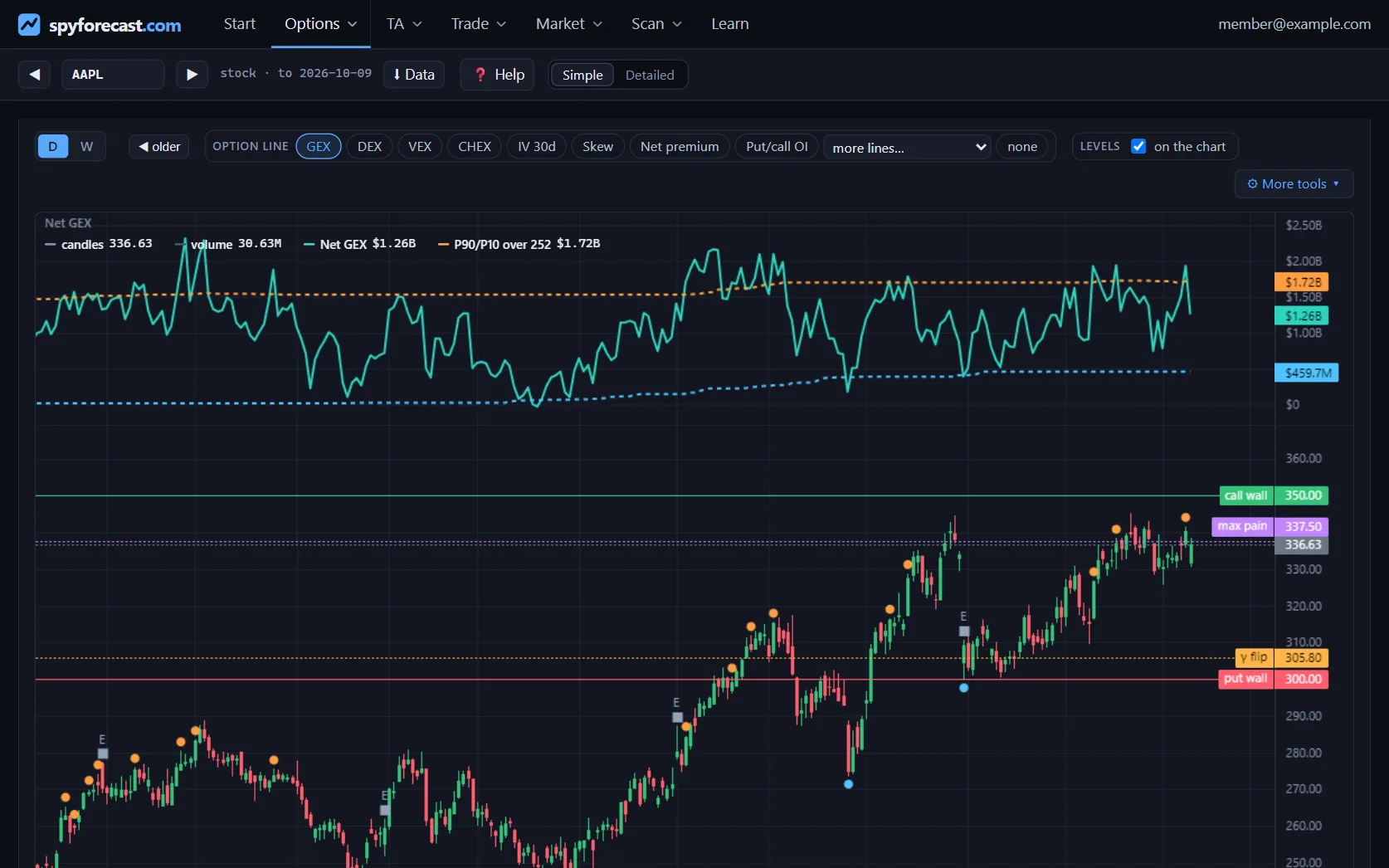
Open a ticker in the Viewer and press ⬇ Data: you get the list of that ticker’s files — the daily option series, the price file (daily or weekly), the strike and expiry tables of the last session — and take one, or all of them in one .zip. The data is updated every night and each file gains one row per session, so the same button always gives the file up to the last close.
What format is the data?
Plain CSV, one file per ticker, oldest row first, with a column catalog (_catalog.csv) describing every series.
When is it updated?
Each row is an option-chain snapshot captured after the close. Open interest is the figure published the following morning, i.e. the previous session’s positions — it lags one session by nature.
What if a day’s option chain is bad?
It happens: about one session in a hundred the chain that was captured is not a real picture of the book — only part of it arrived, the previous day’s capture was served again, open interest jumped for a single day, or the chain’s price does not match the close. Those rows keep their price bar and leave every option number blank, and the column chain_flag says which of the four it was. A blank is honest; a wrong number on a chart is not.
Is there look-ahead bias?
No. Rolling measures such as IV rank, realised volatility and relative volume only look backwards, so the files are safe for backtests.
Are prices split-adjusted?
Open, high, low and close are split-adjusted. Strike levels (walls, max pain, gamma flip) are raw strikes; multiply a level by the split_factor column to put it on the same scale as the prices. It is 1 on every row after a ticker’s last split.
What are the estimated report dates?
For stocks, the Viewer marks the sessions on which short-dated implied volatility collapsed — the footprint of an earnings report that has just passed — and estimates the next one from the stock’s own rhythm. It is read from the options, not taken from a calendar, and it says so wherever it appears: check the company’s own announcement before relying on it.
Do I need an account?
No. An account is optional: it keeps your ★ list and your alerts on every device you use, and it lets you change your password or sign out everywhere. Without one you can read everything.
How do I contact you?
On the support page. You write there and our answer appears on the same page — no e-mail needed.
Is this investment advice?
No. SpyForecast provides data for research and education. Past data does not predict future results.
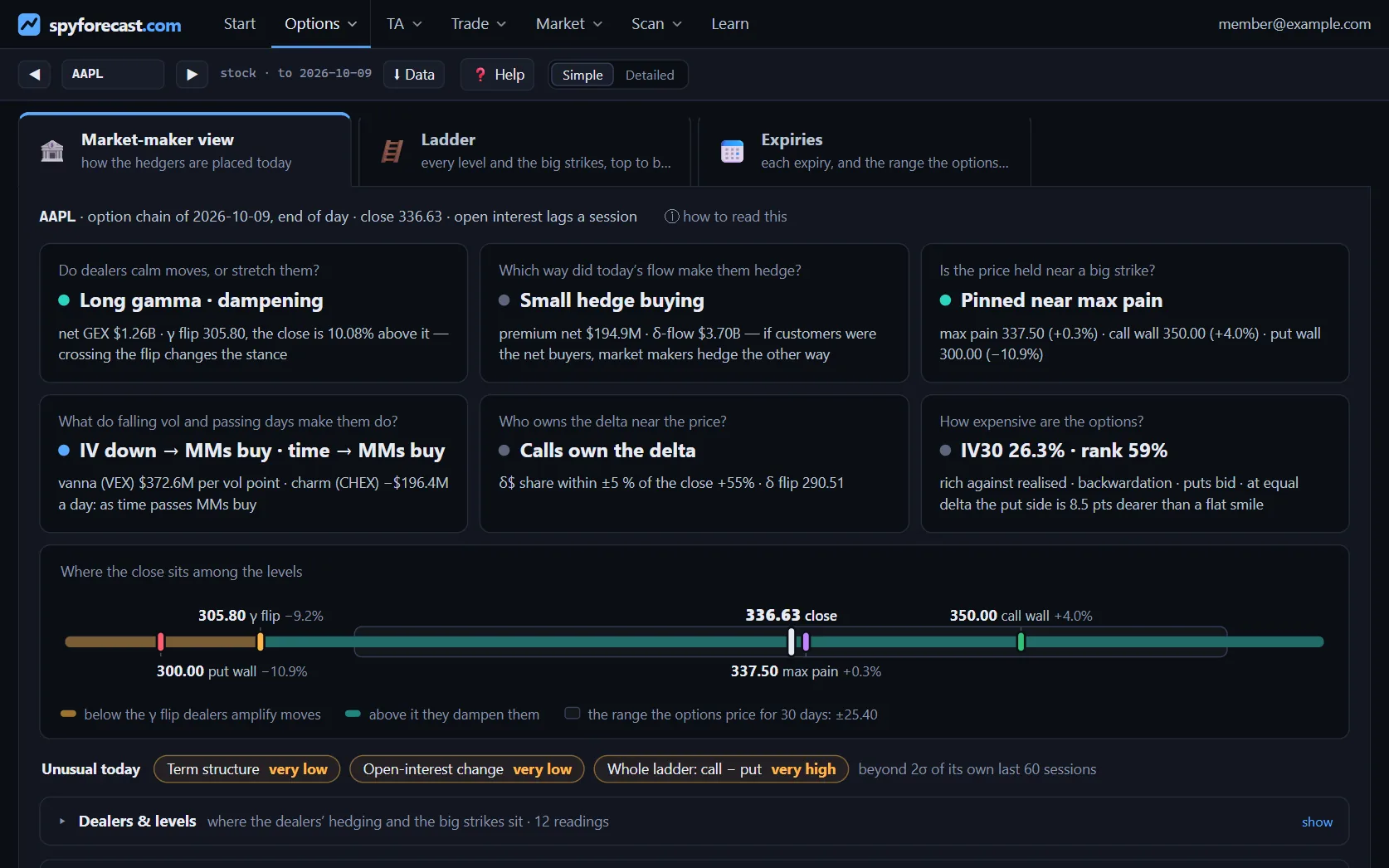 The reading, as it looks in the Viewer — open it on AAPL →